Edit Text Directly Inside Your PDF
Change words, fonts, alignment and lists on the fly, like a real document editor.

DocEnhance
AI Scanner & PDF Editor
AI-powered edge detection, OCR text extraction, PDF editing and signing. The only scanner you'll ever need.
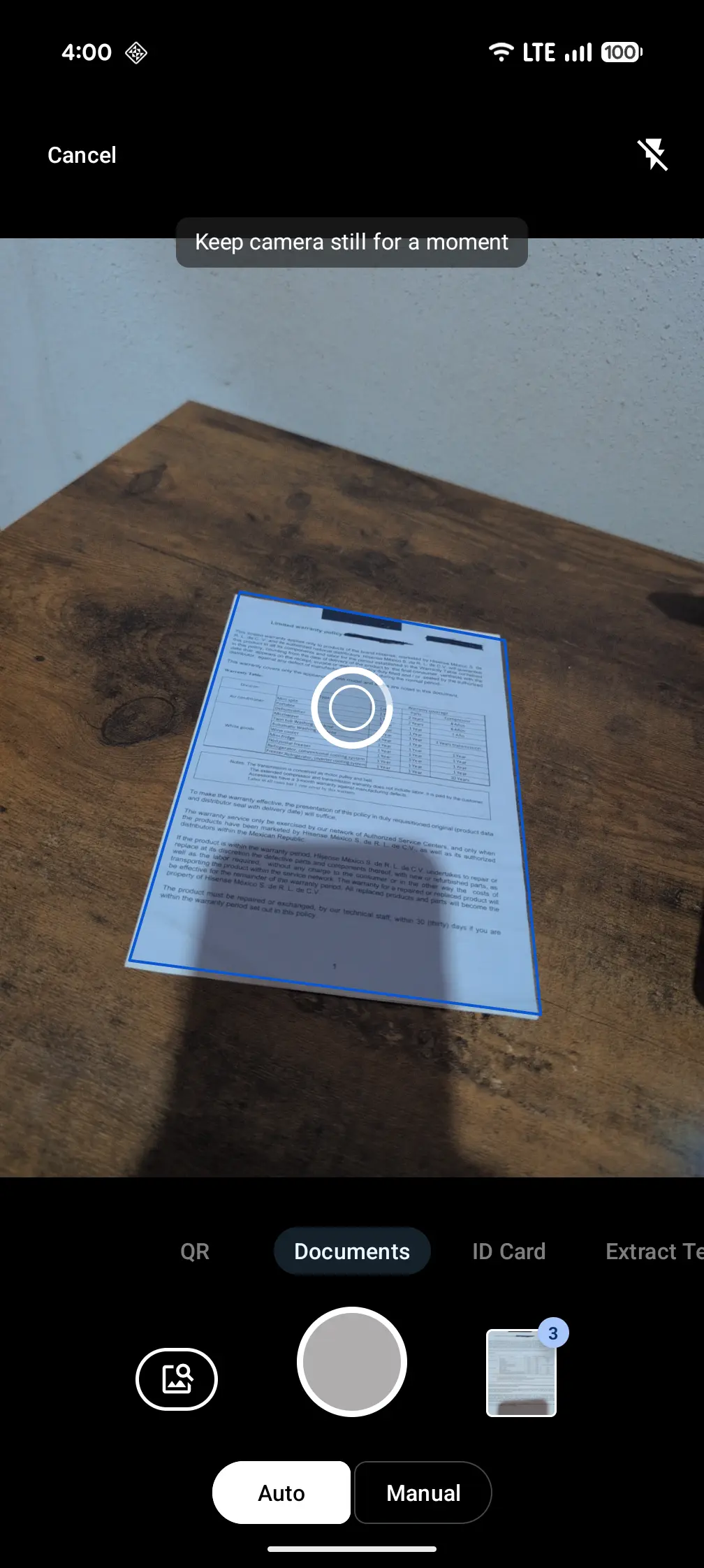
Open DocEnhance and point at any document. AI detects the edges instantly — no manual cropping needed.
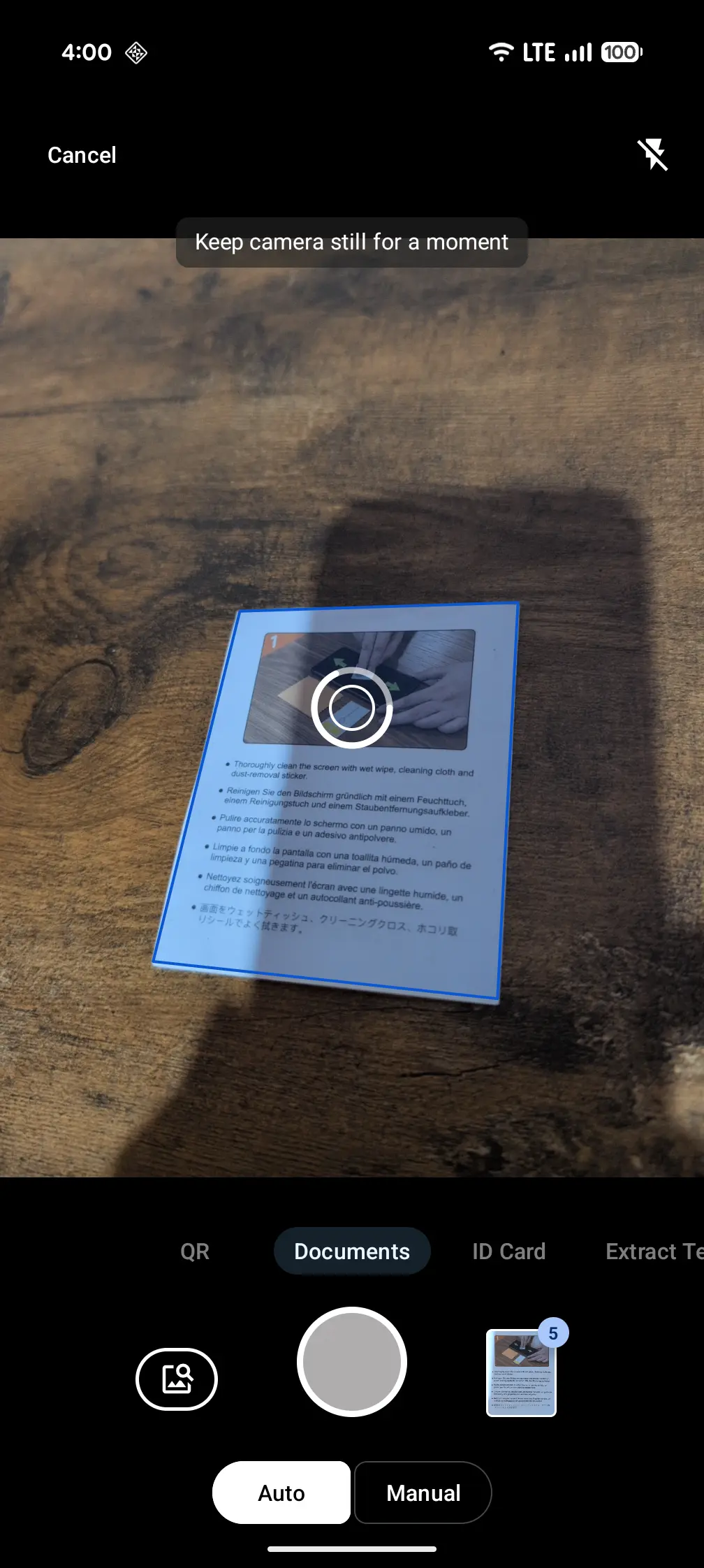
The app identifies all four corners in real time and snaps the perfect shot automatically.
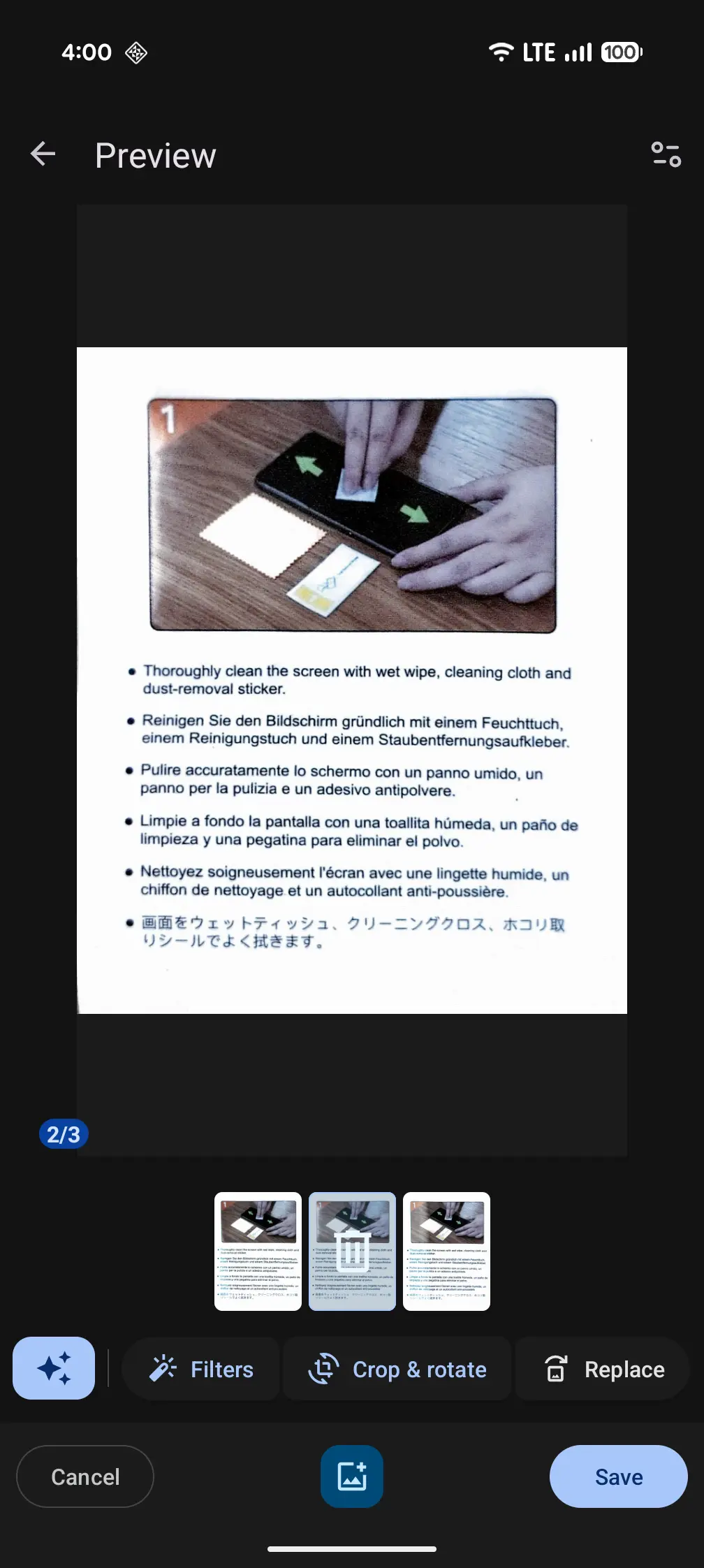
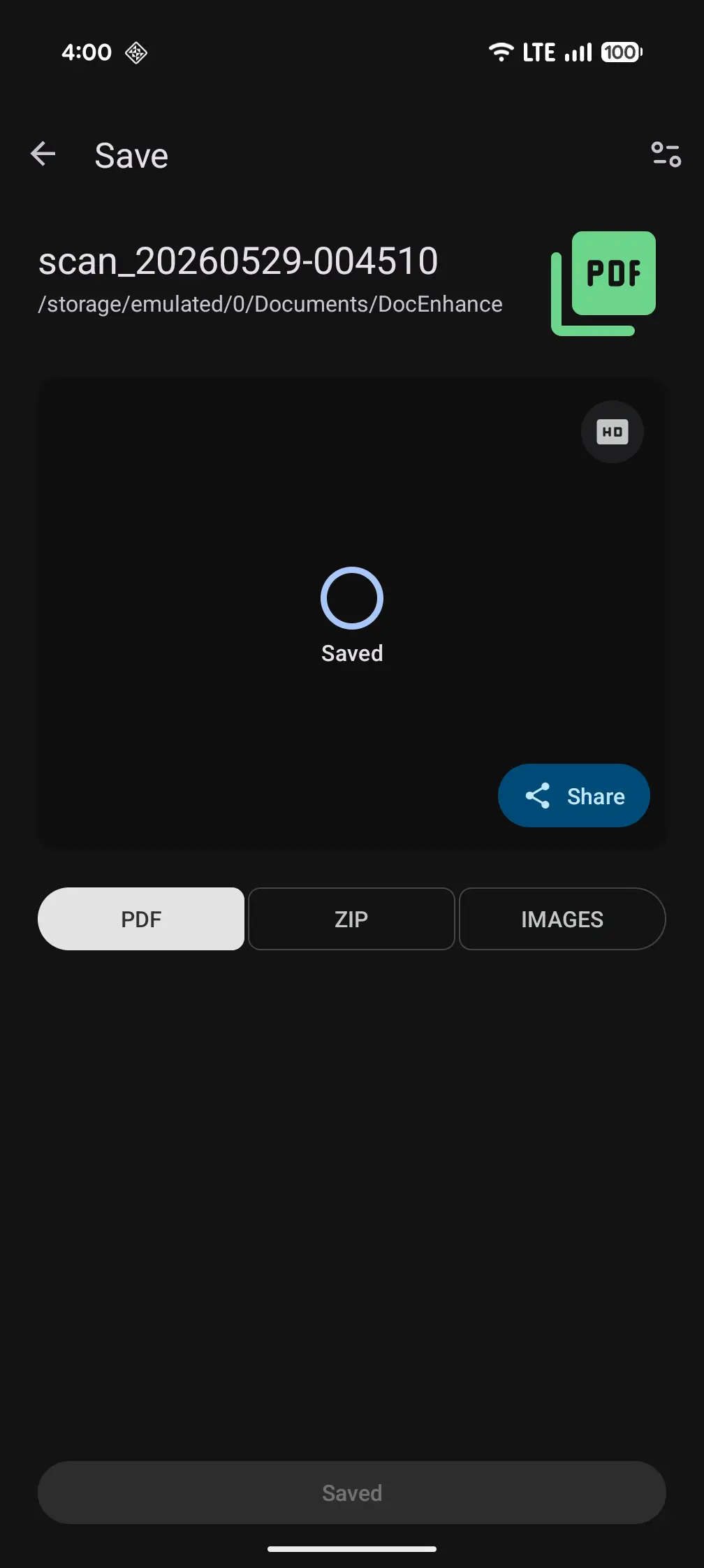
Choose your format: PDF, JPG, or TXT. Share via email, cloud, or print directly from the app.
Change text, insert images and vectors, leave comments, and organize pages — all without leaving the app.
Change words, fonts, alignment and lists on the fly, like a real document editor.

Insert, move, resize and recolor images and vector graphics, or drop in a handwritten signature.

Highlight key passages, leave notes and reply to feedback threads right on the page.

Reorder, rotate, delete, extract or merge pages in a simple drag-and-drop grid.
Perfect automatic crop in every capture. No manual adjustments — just point and shoot.
Capture front and back of any ID and automatically combine them into a single professional page.
Unlock the text in any image. Export as PDF, plain text, or Markdown with high accuracy.
Detects URLs, Wi-Fi codes, contacts and more — with intelligent action suggestions.
Merge, split, annotate, sign, password-protect and convert PDF pages to images.
Eliminate shadows, fix lighting and sharpen text. Modes: Auto, B&W, Grayscale, Text.
Scanning, edge detection and OCR run on your device. We only collect the data needed to run and improve the app, and your documents go to the cloud only if you choose to save them there.
AI edge detection and OCR happen right on your phone. Your documents stay with you.
After a one-time AI model download, scanning and text extraction work with no internet connection.
Your scans are saved on your device. If you choose the cloud, they open only with your account. You decide what to share, export or delete.